cvgen — templates

Templates

4 layouts and 9 themes. Content and design are stored separately, so switching template on a resume you have already written changes nothing but the rendering.

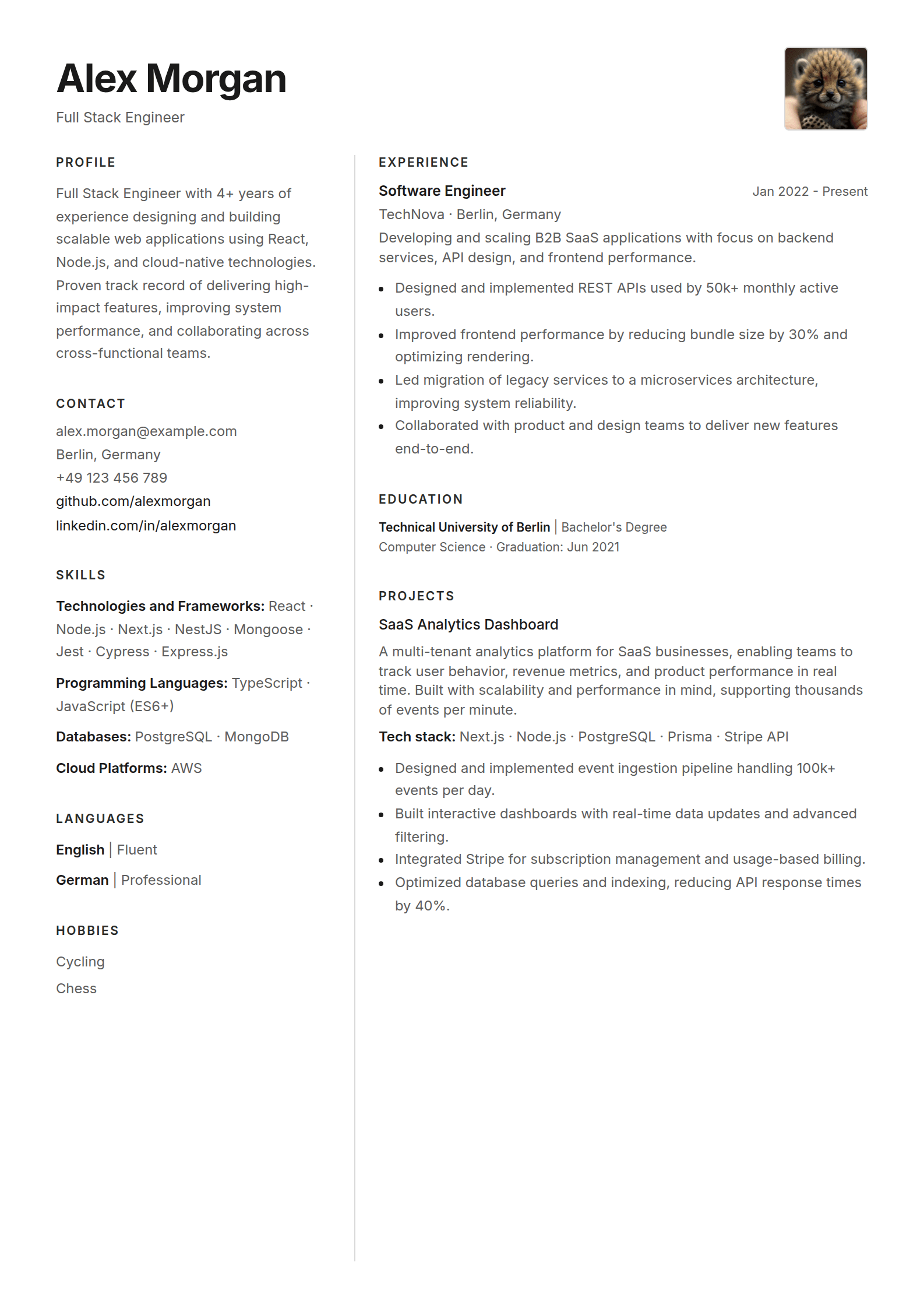
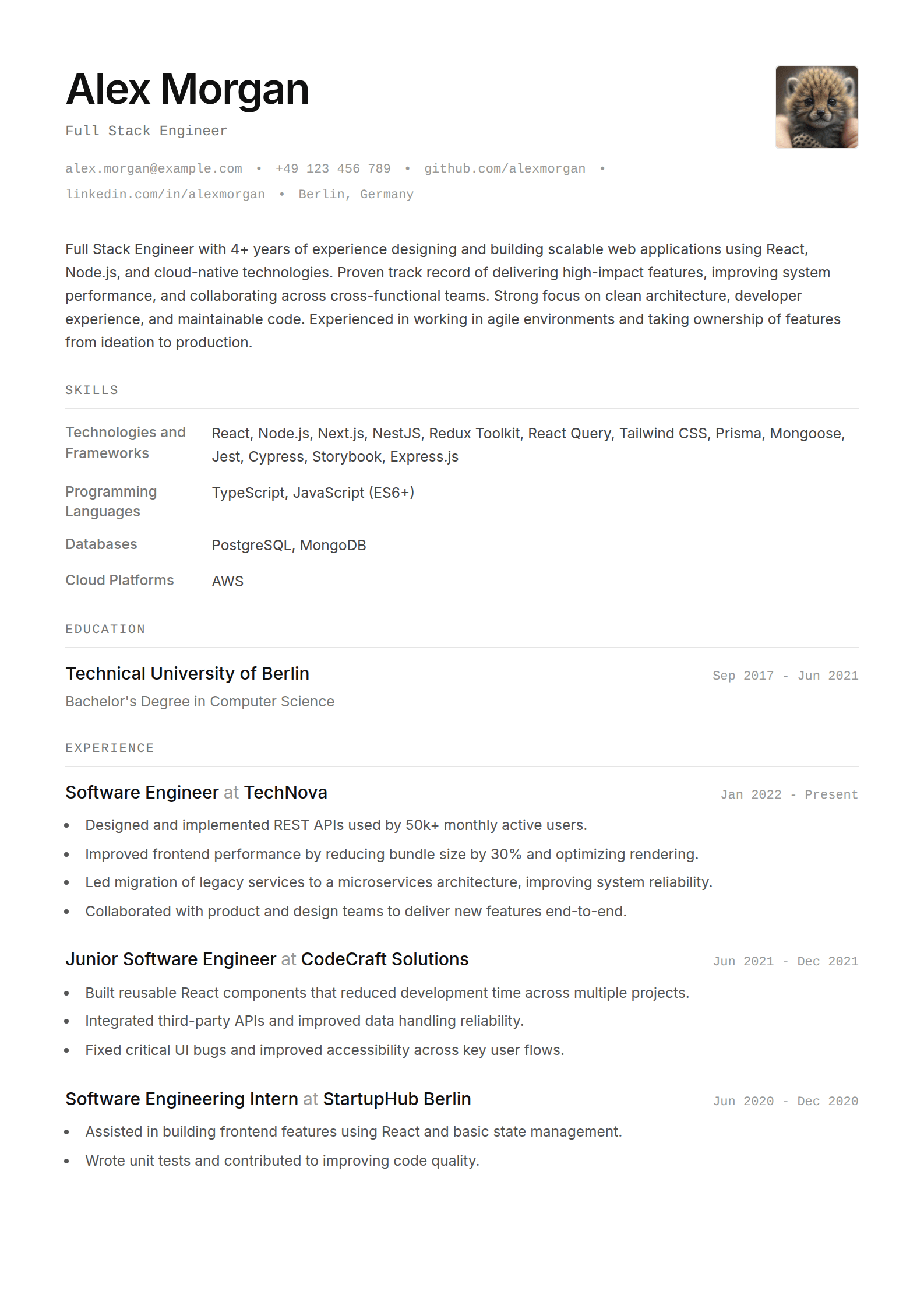
Sharp resume template, light theme

Sharp

The safe default, in light or dark.

Layout
Single column · 14pt base · Header, summary, skills, then history
Themes
Light
Dark
Seam resume template, default theme

Seam

Two columns under a full-width header.
Layout
Two columns plus a header band · 14pt base · Five themes
Themes
Default
Ivory
Mist
Sky
Mint
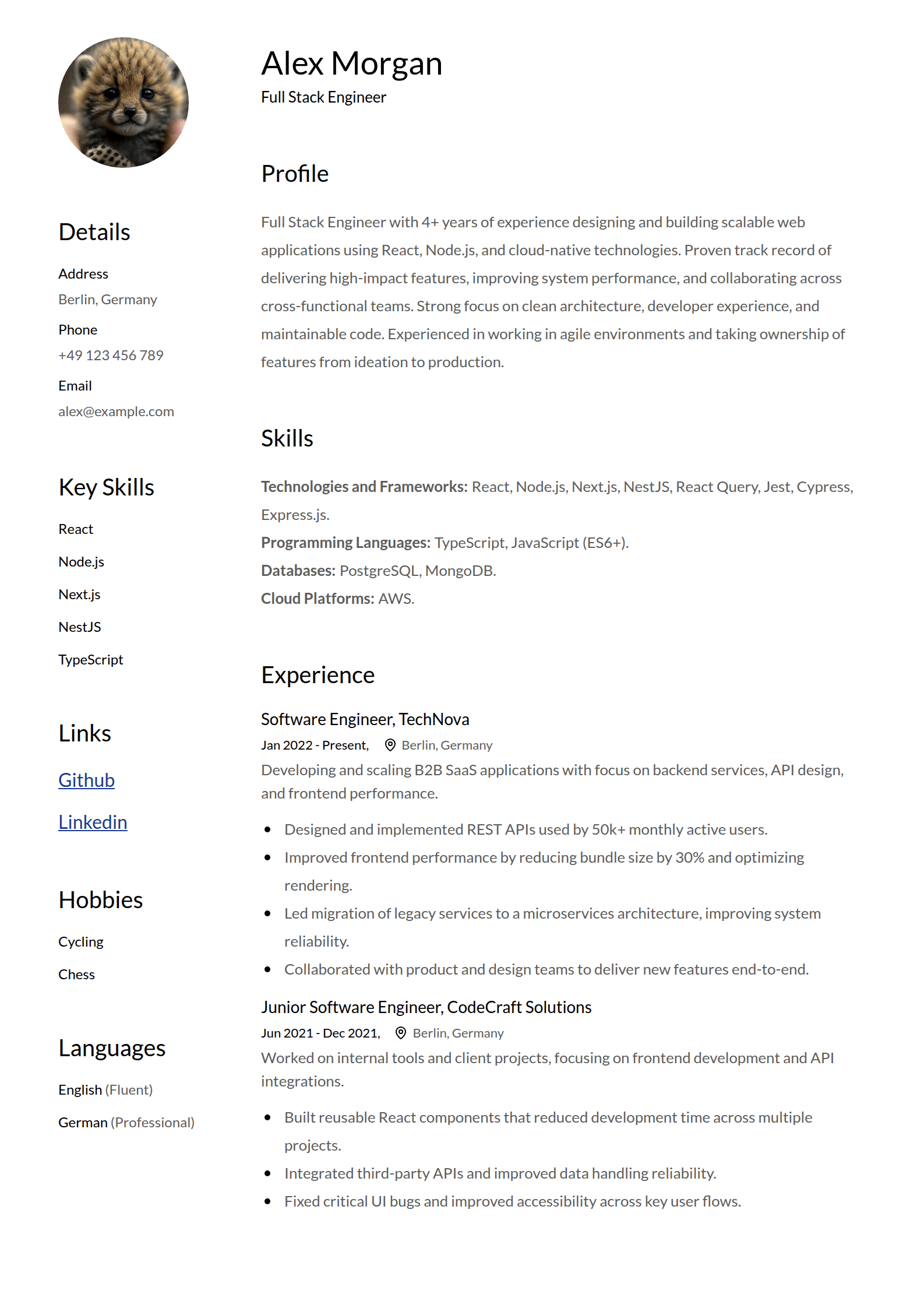
Classic resume template

Classic

A sidebar layout that still looks current.
Layout
Two columns, sidebar left · 16pt base · Profile photo and key-skills rail
Theme
Default
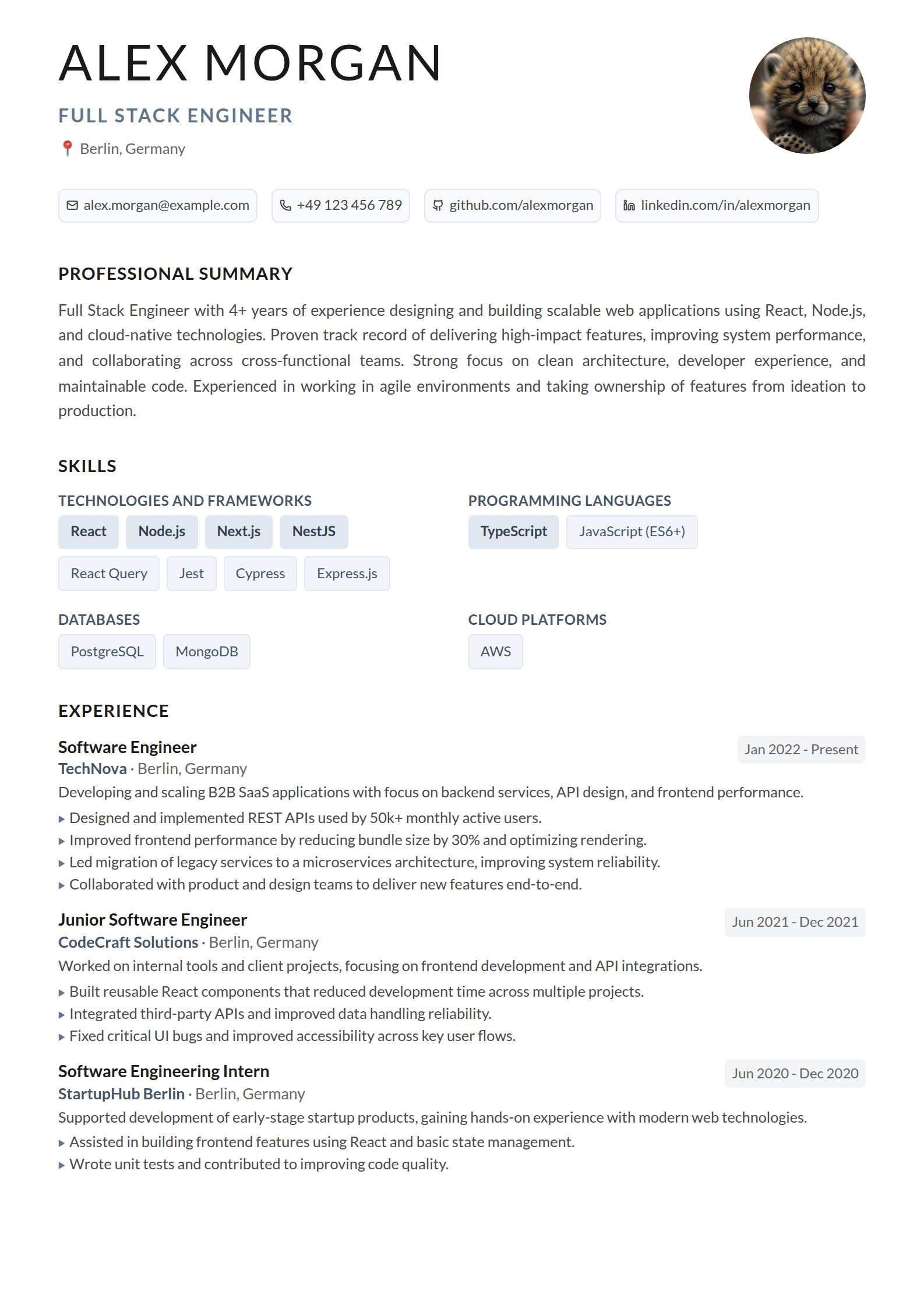
Modern resume template

Modern

One column, generous spacing, easy to read fast.

Layout
Single column · 16pt base · Languages and hobbies in a personal block
Theme
Default

editing

Reordering and editing sections

This is not a per-template feature. Reordering, renaming and hiding sections work the same way on all four, because the layout is data — an ordered list of section keys per column — rather than something hardcoded into each design.

  • Drag any section anywhere. On two-column templates that includes moving a section from one column to the other.
  • Rename a heading, or clear it. Call it “Work” instead of “Experience”, or leave it blank and the heading disappears entirely.
  • Duplicate and delete inline. Item actions are visible where the item is, not hidden behind a context menu.
  • Hide an item without deleting it. Useful for keeping an old role in the file but off this version of the resume.
  • Add your own sections. Publications, awards, volunteering, speaking — a custom section takes the same items and date handling as the built-in ones.
  • Change font size, line height and date format per resume, which is usually enough to pull a resume back onto one page without cutting content.

ats

ATS compatibility

Applicant tracking systems parse a PDF back into text. Designed resume templates usually fail there for the same few reasons, and none of these four do any of it:

  • Real text, not pictures of text. Every export is selectable and searchable.
  • No layout tables and no text boxes. Parsers that flatten a page read the sections in order.
  • Conventional headings. The defaults are the words parsers look for — Experience, Education, Skills.
  • No icon-only contact details. Your email and phone are text, so they survive being pulled out of the file.

Templates are switched from the customization panel in the editor, on any resume. Exports carry no watermark.